An embedded Linux product can look like a single device from the outside. Inside, it is a series of interfaces between layers that have different responsibilities.
The exact boot sequence is platform-specific. The following picture is a mental model, not a board-specific boot guide.
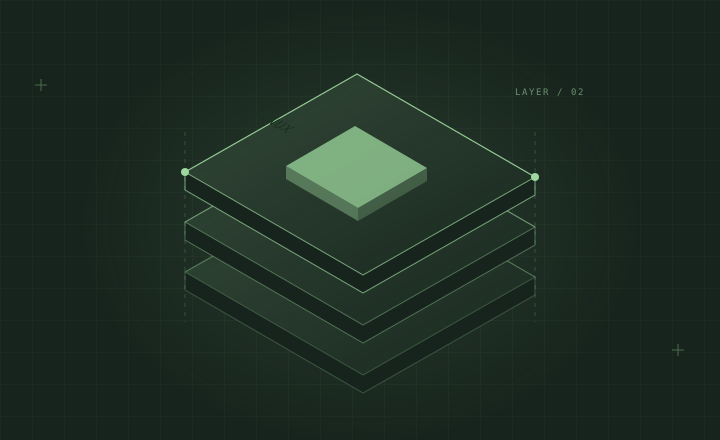
Read the system from the bottom up
Application      product behavior and user experience
Services         system coordination and shared facilities
Userspace        libraries, utilities, and runtime environment
Linux kernel     drivers, scheduling, memory, and system calls
Boot software    initialize and select what starts next
Hardware         processors, memory, storage, and peripherals
The boundaries matter. A missing network interface might need investigation below an application. A present interface with an incorrect application endpoint might need investigation above the driver.
Name the interface
When debugging, identify what crosses the boundary: a device node, system call, socket, file, message, or configuration value. Then identify which component produces it and which consumes it.
“Audio is broken” is a symptom. “The expected audio device is not present” is a narrower observation. “The device is present and a direct playback test succeeds” moves the investigation to a different boundary.
Keep observations separate
For each layer, capture what you know and what you are assuming. Avoid treating a message from one layer as a complete diagnosis of every layer below it.
A short table can make a debugging conversation much clearer:
| Boundary | Observation | Next question |
|---|---|---|
| Hardware to kernel | Expected interface absent | Was the device discovered and bound? |
| Kernel to userspace | Interface exists | Can a minimal tool use it? |
| Service to application | Minimal tool works | Is the application using the same endpoint? |
Why this map helps
The goal is not to force every bug into a neat box. It is to reduce the number of untested assumptions changed at the same time.
A layered map also makes documentation easier to maintain: board details, system integration, and application behavior can evolve without becoming one long, fragile troubleshooting page.